History of progress reports
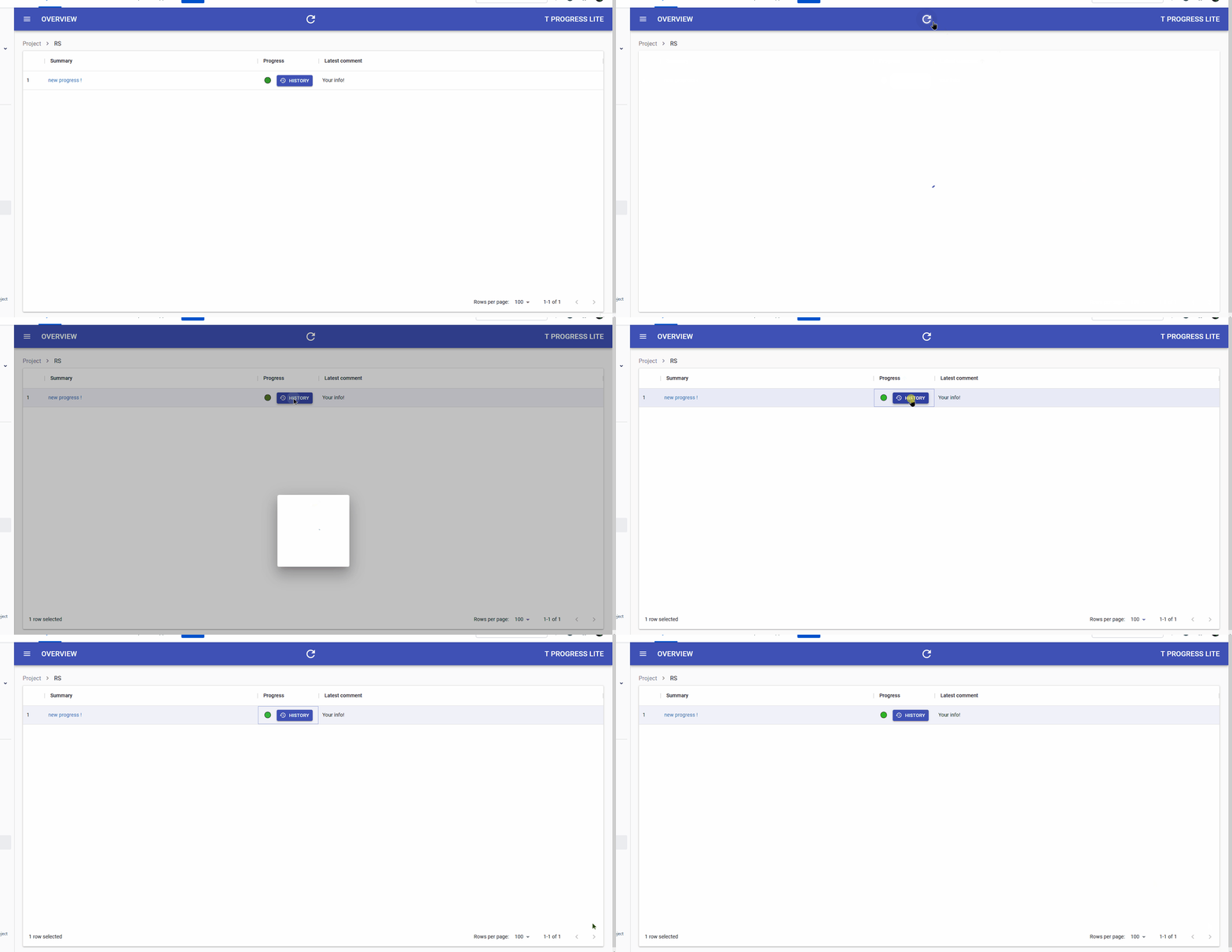
The most useful feature of T Progress lite - being able to see the history of progress changes:
How is the history accessed#
The history can be found next to the Progress column, in T Progress lite main table:

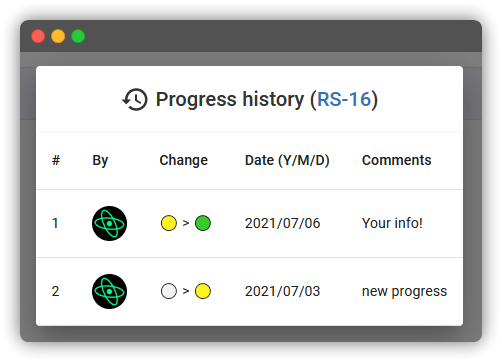
When clicked the window above will appear
How history works#
When you update/add a progress report, the history gets stored automatically in your Jira issue's comments
What gets stored#
As you can see by the picture above, the things that get stored are:
- The person's avatar, who updated the report
- The change itself X > Y
- The date
- And, of course, the comments
The finished process#